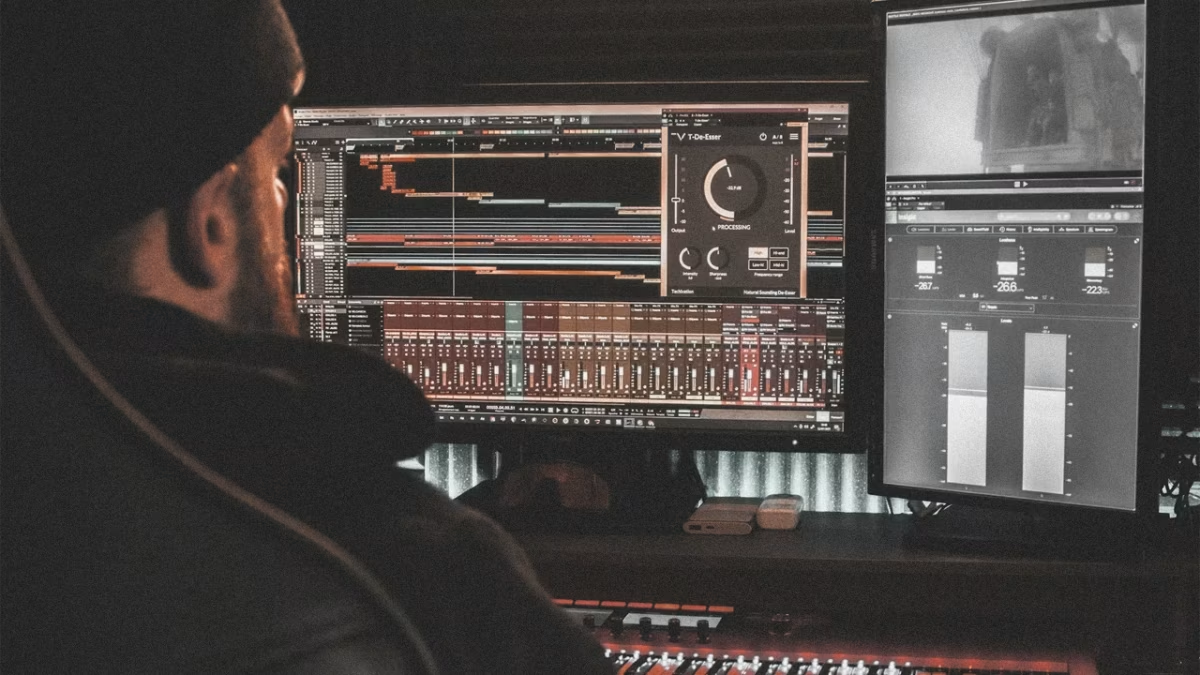

This is what the software giants don’t want you to know.
If you’re an independent music producer or DJ, juggling music creation, bookings, video, content, and promotion is a daily reality. Subscriptions bleed you dry: Mixed In Key wants $58 upfront, Buffer pushes a $99/month tier, and even video editors restrict core features behind paywalls, all while your margins shrink.
Here’s the truth: You don’t need to pay for most of these tools.
The free apps are better in 2025, and the community is finally catching on. This guide covers fifteen essential free apps—press kit design, music analysis, social scheduling, video editing, and AI tools—that replace the industry standards without costing a cent.
Part 1: Design Your Press Kit (For Free)
Your press kit is the document that gets you booked. Venue managers, festival promoters, and radio show hosts expect at least one professional asset—no design background required.
1. Penpot: The Open-Source Pro Design Solution
Penpot is the true “rebel” alternative to Figma. It is the first open-source design and prototyping tool meant for cross-domain teams.
- Why DJs use it: It handles vector graphics perfectly (crisp logos at any size) and has zero “paywalled” features.
- The Edge: unlike Figma’s Dev Mode which is now paid, Penpot gives you full access to code inspection and export capabilities forever.
- Best for: Designing EPKs, riders, and logo vectors.
2. Figma: Fast, Collaborative Web-Based Design
Figma remains a powerhouse, but with a caveat.
- The Reality: The “Free” tier is excellent for solo creators. You get unlimited draft files. However, be warned: if you try to build a “Team,” you are limited to 3 files.
- Best for: Quick social media templates and solo flyer design.
3. Inkscape: The Open-Source Nuclear Option
If you need to design a logo from scratch and don’t want to pay for Adobe Illustrator, Inkscape is the answer.
- The Reality: It has a steeper learning curve, but it offers professional-grade vector manipulation.
- Best for: Creating SVG logos that can be blown up to the size of a billboard without losing quality.

Artist Compensation Crisis: Spotify Pays $0.003 Per Stream While Vinyl Sales Hit $1.4B
Part 2: Analyze Your Tracks Like a Pro (For Free)
Key detection is the difference between “clashing” and “harmonic” mixing. Do not buy outdated software.
1. Mixxx: The Open-Source Standard
Replaces: Rapid Evolution / Mixed In Key Forget “Rapid Evolution” (which is now abandonedware). Mixxx is the modern standard.
- The Feature: It uses the advanced KeyFinder algorithm to batch-analyze your library.
- The Workflow: Drag your new tracks into Mixxx, let it analyze BPM and Key, and export the metadata. It costs $0 and runs natively on modern Mac (M-Series) and Windows.
2. BPM and Key Finder: Analysis Without Installation
- The Reality: Browser-based, free, and fast. It uses local processing (WebAssembly), meaning your files are never uploaded to a server.
- Best for: Quickly checking a single file sent by a promo pool before downloading.
3. VirtualDJ Free Home Edition: The Library Manager
- The Nuance: While you cannot use a DJ controller with the free version for more than 10 minutes, the Library Management features are completely unrestricted.
- The Hack: Use it to organize smart folders, clean tags, and analyze keys, then export that library to your USB drive.
Part 3: Schedule Social Media (Zero Subscription Required)
Consistency beats virality. But don’t get trapped by “Free Trials” that expire.
1. Metricool: The “Best Kept Secret”
Replaces: Later While Later has gutted their free plan to be almost unusable, Metricool has taken the crown.
- The Deal: 50 posts per month for free.
- Why it wins: It includes analytics, “Link in Bio” tools, and visual planning for Instagram, TikTok, and YouTube.
- Best for: Scheduling your entire month of content in one Sunday session.
2. Buffer: The Reliability Play
- The Reality: Buffer’s free tier is tighter (10 posts in the queue at once), but the interface is cleaner.
- Best for: DJs who only post 2-3 times a week and want a simple, no-nonsense interface.
3. Meta Business Suite: Native & Uncapped
- The Reality: If you only care about Instagram and Facebook, stop looking for third-party tools.
- The Edge: Native scheduling often gets better reach than third-party API tools. It allows for cross-posting and detailed breakdown of your audience demographics.
Part 4: Edit Videos Like a Professional (For Free)
Video content gets you gigs. Don’t let a watermark ruin your brand.
1. DaVinci Resolve: The Industry Standard
- The Reality: This isn’t just “good for free”—it is Hollywood standard.
- The Features: Professional multi-track editing, industry-leading color grading, and Fairlight audio engineering.
- The Limit: The free version stops at 4K 60fps exports (which is more than enough for social media).
2. CapCut: Mobile-First Speed
- The Reality: Owned by ByteDance (TikTok), it is optimized for viral retention.
- Best for: Auto-captions, quick cuts, and trending effects. It is the fastest way to turn a DJ set clip into a Reel.
3. Kdenlive: The Open-Source Workhorse
- The Reality: If you hate the idea of “Freemium” upsells in CapCut or DaVinci, Kdenlive is for you.
- Best for: Linux users and privacy-focused creators who want a stable, multi-track editor without the corporate bloat.


Part 5: AI Tools That Replace Expensive Staff (Free Tier Focus)
Use AI to do the boring work so you can focus on the music.
1. Google Gemini (Free Tier): The Deep Researcher
- The Killer Feature: 1 Million+ Token Context Window.
- The Use Case: You can upload an entire year’s worth of email threads, 50-page venue contracts, or your whole back catalog of tracklists. Gemini can “read” all of it at once.
- Best for: “Analyze this contract for red flags” or “Based on my last 20 setlists, what genres am I neglecting?”
2. ChatGPT (Free Tier): The Creative Partner
- The Reality: Access to GPT-4o gives you multimodal capabilities (it can see images).
- Best for: Uploading a photo of your DJ gear setup and asking for troubleshooting, or generating image ideas for your next flyer.
3. Perplexity AI: Real-Time Verification
- The Reality: It’s a search engine that cites its sources.
- Best for: Checking venue specs, finding the email addresses of promoters, or researching current music trends with clickable citations.
Your Complete Zero-Cost Workflow
- Monday (Strategy): Use Gemini to review your weekly goals and analyze trends. Design your weekly assets in Penpot.
- Tuesday (Music): Batch download tracks and analyze keys/BPM using Mixxx. Organize into crates using VirtualDJ.
- Wednesday (Content): Edit your gig clips in CapCut (short form) or DaVinci Resolve (long form).
- Thursday (Distribution): Schedule 50 posts for the month using Metricool.
- Friday (Outreach): Use Perplexity to find contact info for 5 new venues.
Total Monthly Cost: $0. Professional Results: Maximum.
Final Thoughts
“Free” doesn’t mean amateur. In 2025, the open-source and freemium tools listed above often outperform their paid counterparts. The future belongs to the resourceful. Use your skills, not your wallet, to level up your career.
* generate randomized username
- COMMENT_FIRST
- #1 Lord_Nikon [12]
- #2 Void_Reaper [10]
- #3 Cereal_Killer [10]
- #4 Dark_Pulse [9]
- #5 Void_Strike [8]
- #6 Phantom_Phreak [7]
- #7 Data_Drifter [7]
- #8 Zero_Cool [7]


